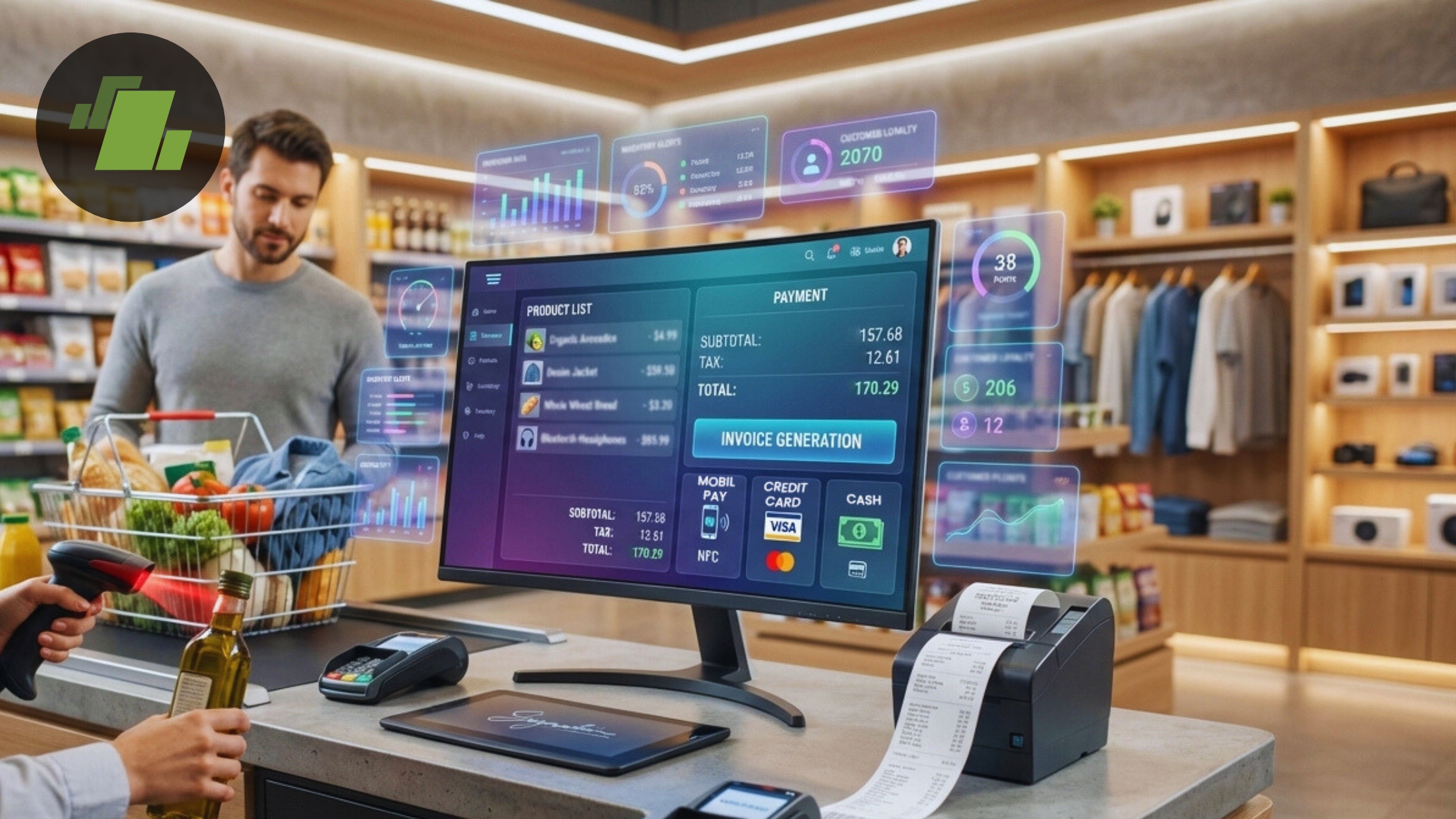
As businesses continue to digitize their operations, choosing the right type of billing software has become more important than ever. One of the most common decisions business owners face is whether to use cloud-based billing software or offline billing software.
Both options offer unique advantages and are suitable for different types of businesses. Understanding their differences will help you choose the right solution for your needs in 2026.
What is Billing Software?
Billing software is a digital tool that helps businesses create invoices, manage transactions, track inventory, and monitor financial performance. It replaces manual billing processes and improves accuracy and efficiency.
Today’s billing solutions come in two main types:
- Cloud-based billing software
- Offline (desktop-based) billing software
What is Cloud-Based Billing Software?
Cloud-based billing software operates on the internet. Your data is stored on remote servers, and you can access it from any device with an internet connection.
Key Features of Cloud Billing Software
- Access from anywhere
- Real-time data updates
- Automatic backups
- Multi-device support
- Easy integration with other tools
Advantages of Cloud-Based Billing Software
1. Remote Accessibility
You can access your business data anytime, anywhere. This is especially useful for business owners who travel or manage multiple locations.
2. Real-Time Updates
All data is updated instantly, allowing you to monitor sales, inventory, and finances in real time.
3. Automatic Backup
Cloud systems automatically back up your data, reducing the risk of data loss.
4. Scalability
Cloud billing software can easily scale as your business grows.
Limitations of Cloud-Based Billing Software
- Requires a stable internet connection
- Subscription-based pricing
- Data stored on external servers
What is Offline Billing Software?
Offline billing software is installed on a local computer or server. It does not require an internet connection to function.
Advantages of Offline Billing Software
1. Works Without Internet
You can continue billing even when there is no internet connection.
2. One-Time Cost
Most offline software requires a one-time purchase instead of monthly subscriptions.
3. Faster Performance
Since it runs locally, it can be faster and more responsive.
4. Data Control
All data is stored on your local system, giving you complete control.
Limitations of Offline Billing Software
- Limited remote access
- Manual data backup required
- Difficult to scale
- Limited integration options
Cloud vs Offline Billing Software: Key Comparison
| Feature | Cloud-Based Billing Software | Offline Billing Software |
| Accessibility | Anywhere, anytime | Limited to one device |
| Internet Requirement | Required | Not required |
| Data Backup | Automatic | Manual |
| Cost | Subscription-based | One-time payment |
| Scalability | High | Limited |
Which One Should You Choose?
Choose Cloud-Based Billing Software If:
- You need access from multiple locations
- You want real-time updates
- You prefer automatic backups
- Your business is growing rapidly
Choose Offline Billing Software If:
- You operate in areas with poor internet connectivity
- You prefer a one-time investment
- You want full control over your data
- Your business operations are simple
Role of Free Billing Software
Both cloud and offline systems may offer free billing software versions. These are ideal for small businesses and startups.
Free billing software allows you to:
- Generate invoices
- Manage basic inventory
- Track sales
- Get started without investment
This makes it easier to decide which type of software suits your business before upgrading.
Best Approach for Businesses
Many businesses today are adopting a hybrid approach—starting with offline systems and gradually moving to cloud-based solutions as they grow.
This allows them to:
- Maintain flexibility
- Reduce costs initially
- Upgrade when needed
Future of Billing Software
In 2026, cloud-based solutions are becoming more popular due to their flexibility and scalability. However, offline billing software still remains relevant for businesses in areas with limited internet access.
The choice ultimately depends on your business requirements and operational environment.
Conclusion
Choosing between cloud and offline billing software depends on your business needs, budget, and growth plans.
- Cloud-based billing software offers flexibility, scalability, and remote access
- Offline billing software provides reliability and independence from the internet
For beginners, free billing software is a great way to explore both options before making a long-term decision.
By selecting the right billing solution, you can improve efficiency, ensure data security, and support your business growth in 2026 and beyond.
