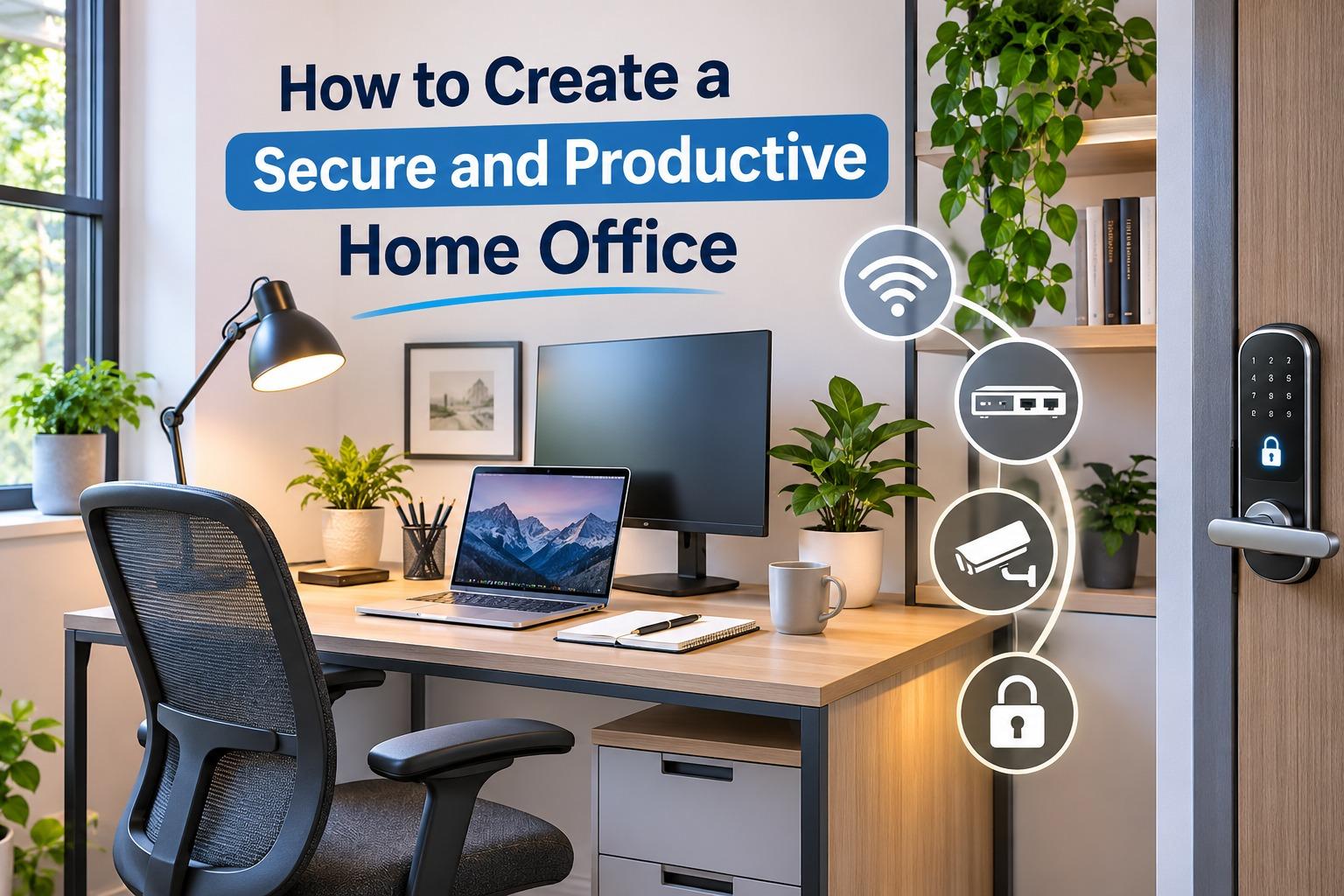
A home office should be more than a desk in a spare room. It needs to be a comfortable, organised and secure space where you can work without unnecessary interruptions. Poor internet connections, uncomfortable furniture, inadequate lighting and limited storage can all make everyday tasks more difficult.
Whether you’re working remotely, running a small business or meeting clients from a dedicated workspace, a few carefully planned improvements can make a noticeable difference.
The best home office setup combines practical design, reliable technology and sensible security measures. You don’t need to spend a fortune renovating an entire room. Understanding how you work and choosing improvements that solve real problems is a better place to start.
Choose the Right Space for Your Home Office
The first step is finding a location that supports concentration and fits your daily routine.
A spare bedroom, converted loft or garden office can provide a dedicated working area. However, not every home has enough space for a separate room. In smaller properties, a quiet corner of the living room or bedroom may be suitable.
Consider natural light, noise, available electrical sockets and internet connectivity before deciding.
If you regularly attend video meetings, choose a location where household noise is less likely to interrupt conversations. If your work involves physical documents or equipment, make sure there’s enough room for secure storage.
People who welcome clients to their home-based business may also need a separate entrance or clearly defined visitor area.
The goal is to create a workspace that feels separate from everyday household activities without making the rest of your home inconvenient to use.
Improve Lighting and Everyday Comfort
Good lighting can make a home office more comfortable, particularly when you spend several hours working at a computer.
Natural daylight is useful, but placing a screen directly opposite a bright window can create distracting reflections. Positioning your desk at an appropriate angle to the window often helps reduce glare.
A desk lamp can provide additional lighting when daylight is limited. Adjustable lighting is especially useful for people who alternate between screen work, reading and writing.
Furniture deserves equal attention.
Choose a chair that provides suitable support and allows your feet to rest comfortably on the floor or a footrest. Your desk should also provide enough space for your monitor, keyboard and everyday equipment.
An adjustable monitor stand can help position the screen at a comfortable viewing height.
Small improvements in lighting and furniture placement can make the workspace easier to use without requiring expensive renovations.
Plan Reliable Internet and Device Connections
A dependable internet connection is essential for remote meetings, cloud applications, file transfers and communication with customers.
However, internet speed alone doesn’t guarantee a reliable working environment. The placement of your router, the number of connected devices and the layout of your property can also affect performance.
Thick walls, long distances and competing wireless signals may weaken connections in certain rooms.
Before buying new equipment, test connectivity in the area where you intend to work.
If wireless coverage is unreliable, consider moving the router, installing a suitable wireless access point or using a wired Ethernet connection.
For a home-based business with several computers, printers or other devices, choosing appropriate Networking Hardware can help create a more dependable setup.
The equipment should match your actual needs. A simple arrangement may be sufficient for one computer, while a larger workspace may require additional connections and more advanced management.
Planning connectivity early also makes it easier to conceal cables neatly during renovation.
Keep Cables and Electrical Equipment Organised
Loose cables can make an otherwise attractive office look cluttered. They may also create trip hazards or make equipment difficult to maintain.
Start by identifying where your computer, monitor, printer and other devices will be located.
Position furniture so equipment can reach suitable electrical sockets without cables crossing walkways.
Cable clips, under-desk trays and protective cable covers can help keep connections tidy.
Avoid overloading extension leads or connecting multiple extension blocks together. Equipment with significant electrical requirements should be assessed carefully, and permanent wiring changes should be completed by a competent professional.
If you’re converting a garden building into an office, electrical installation needs particular attention because outdoor structures may require additional protective measures.
A properly organised workspace is easier to clean, maintain and rearrange when your requirements change.
Protect Your Workspace and Valuable Equipment
Home offices often contain expensive computers, business records, electronic devices and confidential information.
These items deserve appropriate protection, particularly when the workspace is accessible to visitors or located in a separate building.
Start with basic measures such as suitable door locks, secure window fittings and lockable storage for important documents.
Keep valuable equipment away from windows where possible, and avoid leaving sensitive paperwork visible when you’re not working.
Digital precautions matter too. Use strong passwords, keep supported devices updated and maintain reliable backups of important files.
For shared households, consider separate user accounts and suitable screen-lock settings.
A secure workspace should protect business information without making everyday work unnecessarily complicated.
Consider Access Arrangements for Client-Facing Workspaces
Some home-based businesses eventually develop into more formal working environments.
A spare room may become a dedicated consulting studio, while a converted outbuilding may be used for appointments or professional activities. As the business grows, owners sometimes move into a separate commercial unit.
At that stage, controlling who can enter the workspace becomes more important.
Traditional keys may be sufficient for a simple home office, but a separate business premises with several authorised users may benefit from electronic entry management.
For UK businesses operating from dedicated commercial premises, professional Smart Lock Installation can help manage entry permissions for employees, contractors and other authorised users.Professional Lock Unlock Services also provide reliable assistance when employees experience access issues, locks become damaged, or authorised users need help regaining entry.
Before selecting an electronic locking system, consider the door’s suitability, emergency exit requirements, power arrangements and how access will work during a technical failure.
Commercial entry arrangements should also be planned around the building’s specific requirements, rather than assuming a domestic smart lock will be suitable.
Create Practical Storage Without Wasting Space
An organised home office makes it easier to find documents, maintain equipment and complete everyday tasks.
However, adding more furniture isn’t always the best solution.
Start by identifying what you use regularly and what can be stored elsewhere.
Frequently used supplies should remain within easy reach, while older documents and spare equipment can be kept in labelled cupboards or drawers.
Vertical shelving can make better use of limited floor space. Wall-mounted storage may also work well in small rooms, provided the wall and fixings can safely support the load.
If you handle confidential customer information, use lockable storage and follow applicable data protection requirements.
Keeping paperwork organised can also reduce time spent searching for important documents.
The most useful storage arrangement is one that supports your daily routine rather than simply filling empty walls.
Reduce Noise and Improve Privacy
Noise can become a significant distraction when working from home.
Household conversations, televisions, traffic and nearby construction may interrupt meetings or make concentration difficult.
Simple improvements can reduce some of these problems.
Thick curtains, rugs and upholstered furniture may help reduce echoes within a room. They won’t necessarily block outside noise, but they can make conversations sound clearer.
Closing gaps around doors may also improve comfort, although ventilation requirements must still be considered.
If you regularly conduct confidential calls, choose a workspace where conversations are less likely to be overheard.
Headphones with a suitable microphone can improve communication during online meetings.
For client-facing work, privacy should also influence the placement of desks, screens and seating areas.
Make Your Home Office Energy Efficient
An energy-conscious office can help manage household running costs.
Start by making the most of daylight and choosing suitable task lighting.
LED lamps generally use less electricity than traditional incandescent bulbs and can provide effective illumination for everyday work.
Heating and cooling also deserve attention.
A workspace that becomes too cold in winter or excessively warm in summer can be uncomfortable and expensive to operate.
Check insulation, window coverings and ventilation before relying entirely on additional heating or cooling equipment.
If you’re using a garden office throughout the year, suitable insulation and weather protection become particularly important.
Energy-saving settings on computers and monitors can also reduce unnecessary electricity use when equipment is idle.
The best improvements combine comfort with sensible operating costs.
Design a Workspace That Can Adapt Over Time
Your working requirements may change as your career or business develops.
A home office initially used for one laptop might eventually need additional screens, storage or space for another employee.
Choosing flexible furniture and leaving reasonable room for equipment changes can make future upgrades easier.
Modular shelving, adjustable desks and movable storage units can help you rearrange the workspace without replacing everything.
Plan electrical sockets and cable routes with possible changes in mind.
If the room may eventually return to another household use, avoid permanent alterations that offer little long-term value.
A flexible design helps ensure your investment remains useful as your needs evolve.
Review Your Setup Regularly
Even a carefully designed workspace may develop problems over time.
Equipment ages, storage becomes crowded and working habits change.
Every few months, review whether your office still supports your daily activities.
Check that furniture remains comfortable, cables are tidy, devices are working properly and important documents are stored securely.
Consider whether recurring problems could be solved through small adjustments.
For example, repeated video-call interruptions may justify investigating network coverage before purchasing a more expensive computer.
Similarly, difficulty finding documents may indicate a need for better storage rather than additional furniture.
Regular improvements can help maintain a productive environment without requiring major renovation.
Conclusion
Creating a secure and productive home office doesn’t require an elaborate design or expensive equipment.
The most important decisions involve choosing a suitable space, improving comfort, maintaining reliable connectivity and protecting valuable business assets.
Practical storage, appropriate lighting and flexible furniture also help make everyday work easier.
Start by identifying the problems that affect your routine, then choose improvements that address those issues directly.
A well-planned home office should feel comfortable, remain easy to maintain and continue supporting your work as your needs change.
